Managing and Assigning Users
Invite, remove, and assign users to risks, controls, and classes in StartRisk to improve accountability and collaboration.
StartRisk supports multiple users and assigning ownership of Risk Classes, Risks and Controls. Assigning risk classes, risks, and controls to individuals within StartRisk supports streamlined accountability and improved collaboration.
Managing Users
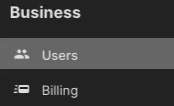
Inviting New Users
New user invitations can be added by any existing user in the Users sections of StartRisk.
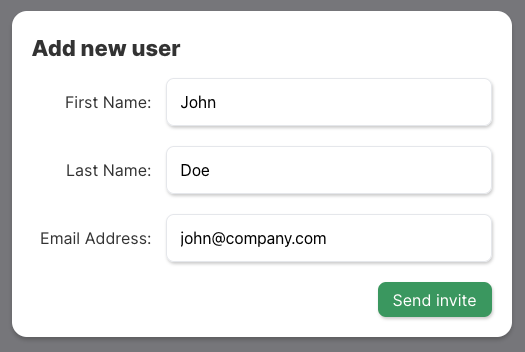
Simply fill in the Add new user form and click send invite.
Removing Users
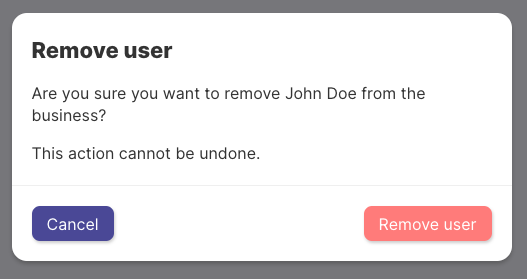
Existing users can be removed by the Business Admin. You can identify the Admin in the Users screen of StartRisk.
Assigning Users
Assigning Risks
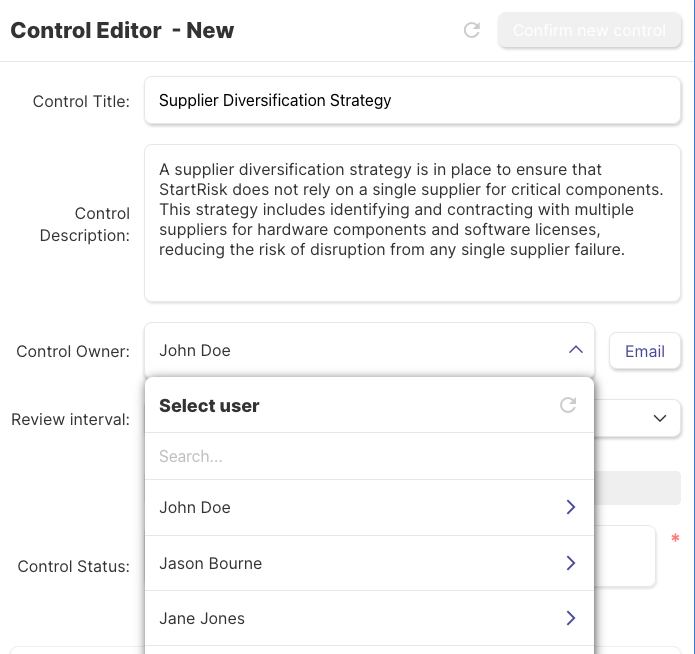
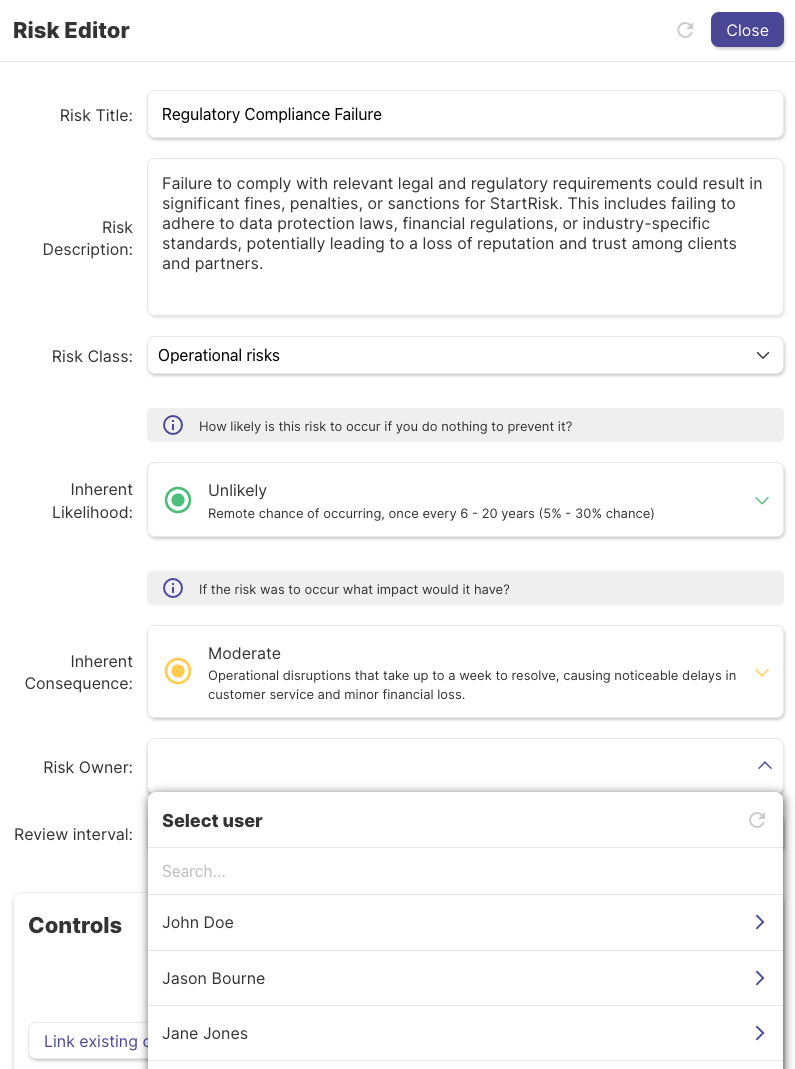
Assigning risks to users can be done easily from the Risk Editor screen. From here you can select the user from a drop down, invite a new user if they are not currently signed up or assign the risk to yourself using the ‘Assign to Me’ option.
Risks can also be unassigned if the owner is no longer available. Unassigned risks will be highlighted to the Risk Class owner.

Assigning controls to users follows the same process as risks and can be accessed from the Control Editor screen